Author Archives: Matt Roszak

Find Matt’s Cats: Updates Roadmap

Hey everyone!
It’s been 3 weeks since Find Matt’s Cats launched, so here’s an update about future plans.

The launch went about as well as it could have. Sales are fairly strong and there hasn’t been a lot of serious problems to address. Most of the bugs are quite minor, or were already known about from the demo. We’ve recovered about 58% of the development costs so far – if you assume an average UK salary for me and Ronja. That’s not bad.

I also pushed out a quick update that added many quality-of-life features that players asked for, including more options, Windows touchscreen support, and some level design improvements.

The main issues that need to be fixed are:

• Steam cloud was supposed to transfer save data from the demo to the full version of the game, but this doesn’t work. I’m not sure what I did wrong, but I’ll need to look into it. Players can still move the “saves” folder manually though.

• There’s a memory leak and the framerate will get choppier in very long sessions, even on fast computers. This is tricky and I really need to go through all of my code carefully to solve this, or at least make it less bad.

• Mascots can have two faces in some levels! I think the cats with non-standard faces don’t display correctly when hats and accessories are involved. It’s harmless and looks funny.

• The desktop version of the game requires more modern hardware than the web version we published on Newgrounds. We’ll try to make an offline version of that web version at some point, so it can be a backup option for players who otherwise can’t run the game. Maybe it can be a beta-branch on Steam.


Since the launch went well, I can start teasing some leftover ideas that I will consider adding to the game. Please tell me which of these you like the sound of, so I can plan accordingly:

• A level editor! I think this would be viable and quite fun, even if it doesn’t include all of the features the official levels have.

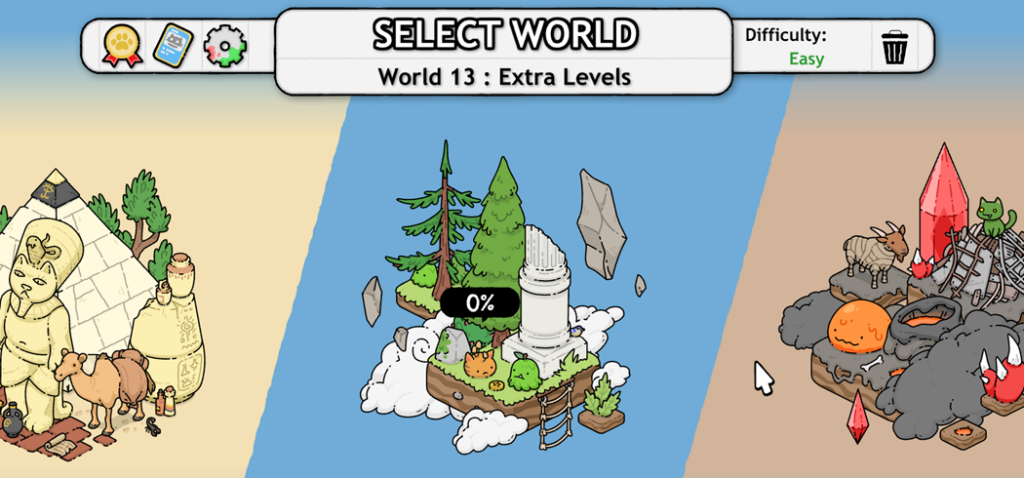
• More levels! I want to add an 8th level to every world, which uses mostly existing art assets in ways that currently don’t appear in the game, or expands on ideas that weren’t fully explored. For example: more underwater levels! (Which type of levels did you enjoy the most?)

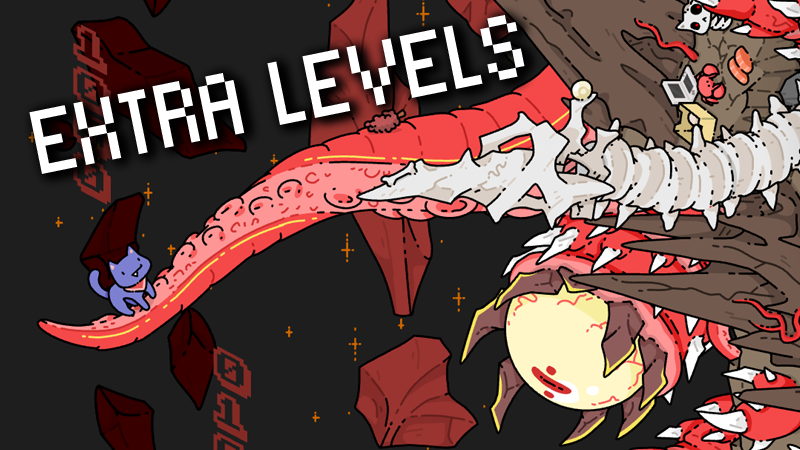
• A new final world! I want to finish off the game with a more memorable final world. I don’t want to spoil what it might be, but it’s gonna be visually different from everything in the game so far.

• More art assets? I’m still drawing more items whenever I’m in the mood, and sneaking in a few with every update. I’m improving some sprites I’m not happy with, but I think what will be the most impactful is adding more references to other games.

• More customisation options? Is there enough, or would you be interested in more? I certainly enjoyed creating rare cats. I think I might struggle to come up with more special effects for cursors though.

• More dialogue? Is there enough lore in the game? I know most people skim through the dialogue quite quickly, but some players were really into it. I could write more if there’s a demand for it. But it’s a hassle since it also needs to be translated into every language.

• A fourth difficulty option? I have an idea for a “Simple” difficulty option that requires less brain power. The goals would be a large number of the same item, like “5 turkeys, 7 pigeons, and 10 bees”. Required interactivity would be low – you could see most of the goals without clicking on stuff. I’ve heard from some parents that this would be a fun way to play the game together with a young child. Maybe this is what “Easy” mode should have been.

Anyway, let me know what you think!

Find Matt’s Cats: Discounts

So I messed up and can’t do a Find Matt’s Cats discount for Steam’s Hidden Object Fest because it’s within 30 days of launch. I begged Valve for an exception but they say it’s not up to them, the limitation exists due to some regions’ laws regarding sale prices. Oh well. I was really hoping to get a lot of extra attention for the game there. It’ll still be featured… but much less.

So I added Find Matt’s Cats to the Epic Battle Fantasy Bundle, so you can continue getting 20% off if you’re an EBF fan.

Anyway, please leave a review for Find Matt’s Cats!
Getting to 500 reviews helps a lot in the Steam algorithm!

Find Matt’s Cats: Work Continues…

Hey guys, it’s been a moment since launch – I’ll write more about that soon – but here’s what I’ve already been working on due to player feedback.

Systematically clicking on everything has become the meta for Find Matt’s Cats. Some people like that, and some people don’t. So I added a slider option to limit the number of goals that are collectable at a time, which makes spam-clicking much less effective and rewards remembering silhouettes.


I’ve added a few more accessibility options that were requested. You can now disable the 2nd mouse cursor in spot-the-difference levels. You can disable the night-time and sunset lighting effects. And you can disable weather effects, like rain, fog, and others. These options let you skip some of the special gimmicks in some levels, but that’s okay if it’s causing discomfort.

Anyway, that’s a preview of what’s coming in the next update.

And finally, I’ve already started drawing more objects to add to the game…

Find Matt’s Cats launches March 16th

Hey everyone!

The launch date for “Find Matt’s Cats” is March 16th on Steam/Windows. (other platforms later)

You can play the demo right now if you haven’t already, and it helps me with the algorithm if you add the game to your wishlist. The full game will cost $20, minus various discounts.

You may have noticed that the name is no longer “Matt’s Hidden Cats”.

Well, the term “Hidden Cats” was recently trademarked, so all the games using that term on Steam had to quickly scramble and rebrand. The new name has a very similar feel, fits into the same graphic design space, and abbreviates well to just “Matt’s Cats”. Randoms on Reddit liked it the most, so I hope it appeals to people who have never heard of the game before. It was a chaotic 48 hours getting that sorted out, but hopefully it doesn’t confuse any potential customers.

Anyway, Steam’s Next Fest starts today, so hopefully the game and its demo will get some exposure.

I’m gonna be emailing hundreds of influencers with Steam codes this week – so if you know of any who might at all be interested in a Flash/casual/puzzle/hidden-object PC game, please send their details via DM. I’m especially interested in those who make content for other languages, as the game currently supports 18:

English, French, German, Spanish (LatAm), Spanish (Spain), Portuguese (Br), Italian, Polish, Lithuanian, Czech, Finnish, Turkish, Russian, Korean, Japanese, Simplified Chinese, Traditional Chinese, and Vietnamese.

Flash’s Cool Advantages

Hey, since people have been talking a lot about Flash lately, and I’ve spent a lot of time defending the tech, I thought I’d write a bit about what advantages Flash has over other game engines. I’ve been using Flash for 23 years, so hopefully I’m qualified to say some nice things about it.

First of all, I gotta explain a few things for people who may not know:

Adobe Animate, formerly known as Adobe Flash Pro, is the software used to create Flash content. It’s used to make art, animations, and code. (but for bigger projects a specialised IDE will usually be used for coding)
• Flash content is exported as .swf files. On some platforms the .swf needs to be packaged inside a native executable, like .exe or .apk.
Flashplayer, AIR, and Ruffle (and others) run the Flash content, with various levels of compatibility and native features on each platform. Flash content can be as simple as animated gifs, or as complicated as entire games.

When Flash was announced as “dead” years ago, the only thing that stopped working was Flashplayer in web browsers. When developers say “Flash” it can refer to any part of the process mentioned above.

Anyway, with that out of the way, here’s some cool perks that Flash has for game development:

Vector Art Aesthetic

Flash is built around using vector art to display graphics. Vector art doesn’t have pixels like bitmaps do – it’s just math formulas describing lines and shapes. This makes Flash games look unique from other game engines.

If you have a good eye for aesthetics, you can usually see when art was made in Flash, and even which exact drawing tools were used. Adobe Illustrator is another application used for making vector art, but it specialises in exact, technical-looking drawings, where as Flash has more painting-like tools and feels more hand-drawn and sketchy. So Flash looks distinct from other vector art applications too.

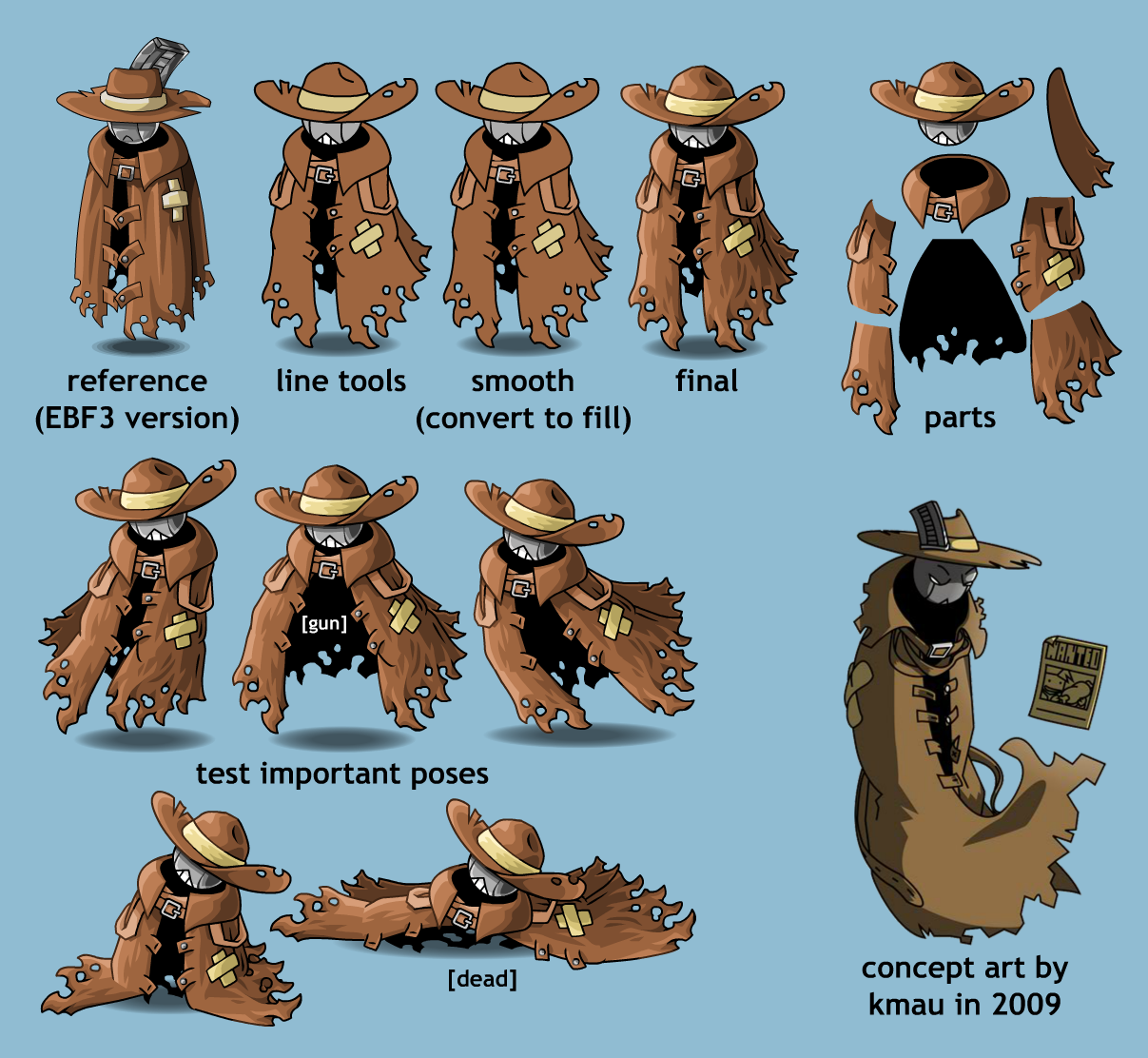
There’s also game developers who make their art and animations in Flash, but use them in a different game engine. Some prominent examples are Among Us, Friday Night Funkin’, Mewgenics, Super Meat Boy, Castle Crashers, andBurrito Bison. This is probably the best way of using Flash if you want the aesthetic and the advantages of vector art, but want a more modern game engine that’s better suited to modern platforms. (but it’s more work than doing everything in Flash, like me!)


Small Filesize

Vector art leads to very small file sizes, as bitmaps are usually what make up a huge portion of a game’s filesize. This used to be a huge consideration when Flash was being used for web applications during an era when internet speeds were slow. But today a small filesize is still useful, especially on mobile platforms where there’s a limit on the initial download size of your app, and users will often uninstall apps to save space on their device.

For example, Epic Battle Fantasy 5 is only a 150mb download on Android – and that’s an RPG with 50 hours of content!

Resolution Independent

Vector art means that a developer or animator doesn’t need to consider the resolution of their art assets. In other engines, different asset sizes might need to be prepared for different device types, creating more work. The same vector art assets in Flash look sharp at any resolution, and this is especially useful in Matt’s Hidden Cats, as the game makes use of zooming in and out very far. Some other 2D hidden-object games with traditional bitmap graphics will show blurry or pixelated sprites when the player zooms in fully.


Everything in one App

Flash can be used to quickly prototype games and test out new features – all art, animation, and coding can be done in one application. The way the asset system works – “symbols” in a library – makes it super simple to re-use, nest, and replace assets as needed, and to move them between projects.

Code can be included on the animation timeline – and while it’s not ideal to rely on this for complicated features in huge projects, it’s a very helpful way to quickly add some functionality in a specific area. Especially when it involves enhancing animation in some way – by adding some random variation, changing skins on a character, or calling functions when an animation reaches a specific point.

Sounds can be edited to an extent – they can be cropped, faded, pan from one speaker to the other, and loop in various ways. This is incredibly helpful when syncing sound effects to animations.

And Flash is accessible to all skill levels. An animator with almost no coding knowledge can still add simple interactivity to their animations. A coder with no drawing skills can easily create primitive placeholder graphics while they test their code.

So unless you’re working on a particularly large project, chances are you can do everything you need in just Adobe Animate/Flash.


Cross Platform

When compiling Flash projects, a developer can immediately install and test their projects on a mobile device via a USB cable – both Android and iOS. Some developers were surprised that I could compile and install an iOS app from a Windows PC. (I still had to buy a Mac to submit apps to the App Store, though)

Flash does a good job at handling inputs across various devices. If I make a game for Windows that’s intended to be played with a mouse, that game can also be played with a stylus or finger if played on a mobile device, without any extra code being written. I once tested my PC game Bullet Heaven 2 on my phone – and it could even handle an Xbox controller connected via USB, just as it did on Windows!

In my experience, my Windows Flash games also seem to work perfectly fine in Linux with Proton, which is another little bonus.

There’s not been much news about console support, but that mostly comes down to there not being enough resources to justify it. HARMAN has suggested they could get Flash running on Nintendo Switch if there was enough demand for it. Ruffle already kinda works, from what I’ve heard.

But for my needs, PC and mobile platforms are enough to reach most gamers, and getting those working is fairly efficient.

Easy to Decompile

This may not be an advantage to everyone, but in my experience, this has been very helpful. Flash files can easily be decompiled and edited by various tools, and this is useful when it comes to modding in new content or cheats, making unofficial translations, and preserving old projects by modifying the parts that no longer work (like trying to access a web service that no longer exists).

In the past, Chinese websites would translate my games and remove advertisements and links (without permission), which was moderately annoying at the time. But in the long term, this turned out great for me, as I now have a big paying audience in China who grew up playing modified versions of my web games.

And in one case, a long time ago, a project file I was working on was corrupted, and the only way I got my data back was by decompiling a .swf file.

I think it’s quite cool that the .swf format is open and anyone can play around with your creations if they want to. My games on Steam use a .exe launcher to open a separate .swf file, specifically so that players can easily access and edit that file. And cool mods exist thanks to that!

Limited Scope

Once again, some people may not see this as an advantage. But flash being a 2D vector-art-based animation tool, means that it’s not good at realistic graphics and cutting-edge special effects. But for me personally (as someone who does all the art and programming in a project), this helps keep the scope of my games in check. I’m not tempted to go overboard with the amount of details in my art. It’s easier to arrive at a style that’s cartoonishly appealing, but not too time consuming to create. More effort goes into making the characters iconic, colorful and expressive, rather than detailed and realistic. (And I think you’ll have noticed that with the notable indie games mentioned earlier)

And this also applies to the coding side too. Flash code isn’t the most optimised, but it’s good enough for most indie games with cartoonish graphics. Limitations help you stay focused on what matters in your game, and can lead to some creative solutions and design choices. For example: this is why maps in my Epic Battle Fantasy games will forever be broken up into screen-sized sections, but have a ton of secrets and details crammed into a small footprint, to make up for that.

Flash Doesn’t Change

Flash has been around for a very long time, and hasn’t received any particularly important features in over 10 years. This means that all of your old projects will still work as they did, and there usually won’t be any surprises when updating your tools or porting to other platforms. I still regularly re-use code and art I made a decade ago.

Most of the ongoing updates to Flash are only on the runtime side – for example keeping up with changes required by Android, like apps switching to 64bits and using .aab files instead of .apk files for installation. The creation tools and file format have barely changed in a long time.

But this is coming from the perspective of someone who doesn’t update Adobe Animate every year – maybe if you regularly updated, you saw some issues – but I’ve never felt the need to do that. My experience will become more common now that Adobe has announced they won’t add new features any more.

Flash is Vintage

And finally, making modern games with vintage technology is just cool. People are still making new games for the NES and Game Boy. Making Flash games in 2026 feels a bit like that. A lot of gamers have nostalgia for the golden age of internet content. Developers and gamers don’t care about the tech’s limitations, as long as the process is interesting and care is put into the creations.


Well, that’s the article. Feel free to correct anything I’ve gotten wrong, or to add anything I’ve missed. Maybe later I can write a similar blog about all the bad things about Flash…